What Should You Do With a Hi-Fi System During a Thunderstorm?
·
by Marcin Knopik
A valuable audio system can make an approaching storm feel like an equipment emergency. Our view is calmer: make the protection decision before thunder is audible. That gives you time to handle plugs and cables safely, without turning concern for the system into a risk for the person protecting it.
Good hi-fi thunderstorm protection is more than a single accessory or a last-minute dash behind the rack. It is a routine for two distinct moments: before the storm, disconnect deliberately; during the storm, leave the wiring alone. The routine also has to cover conductors beyond the mains plug, including an antenna, coaxial feed, telephone line or wired network.
When Should You Disconnect a Hi-Fi System?
The right time to disconnect hi-fi before thunderstorm conditions arrive is while the storm is still a forecast rather than a presence. A forecast, warning or visibly approaching storm leaves enough room to stop playback, shut the system down normally and reach the relevant connections without haste. Once thunder is audible, that window has closed.
This timing boundary matters more than the value of any component. If the system is still connected when thunder begins, personal safety takes priority over possible equipment damage. Leave plugs, wall outlets, aerial leads and network cables alone; no attempt to save equipment justifies handling electrical wiring after lightning is close enough to hear.
Fair-weather preparation shows whether the plan is realistic. A plug hidden behind a heavy rack, a socket that requires an awkward stretch or a cable you cannot identify confidently is a problem to solve when the sky is clear. Make that disconnection point safely accessible then, or accept that it will remain connected for the present storm.
We prefer a simple household rule to anxious improvisation: prepare before the weather becomes urgent, then stop interacting with the system once the storm is present. Everyone gets the same trigger and the same limit—handle connections only while conditions are safe and access is ordinary.
Which Connections Can Carry a Surge Into the System?
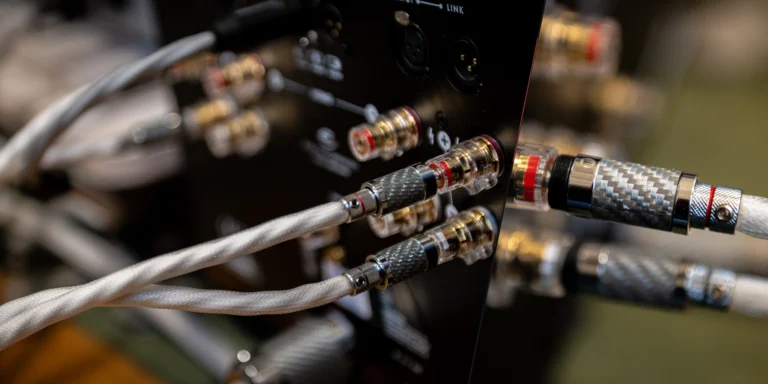
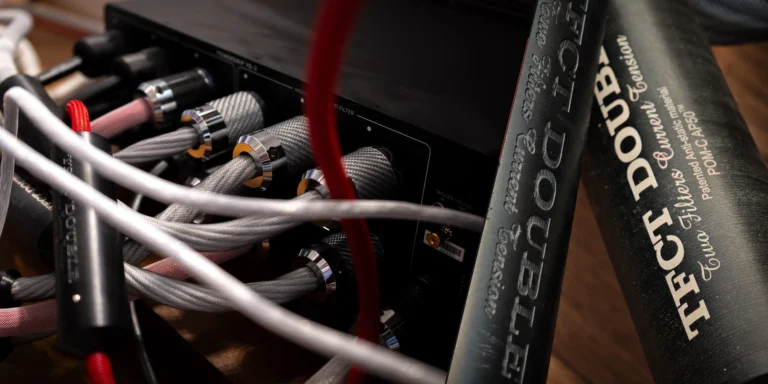
To understand hi-fi power and signal connections, follow every conductor that reaches beyond the listening room, rather than merely counting mains plugs. Depending on the system, those paths can include power feeds, a rooftop or outdoor antenna, coaxial television or radio service, a telephone line, or Ethernet connected to network equipment elsewhere in the building.
Trace each audio component far enough to see where its cables ultimately lead. A streamer connected by Ethernet to a router, for example, is not isolated simply because you removed its own power lead. The network cable can still connect the audio system to equipment powered elsewhere.
Give tuners, televisions and shared source components the same attention. Antenna and coaxial leads are easy to miss because they do not look like power cables, while wired control or telephone connections may disappear behind furniture. Where a conductor goes matters more than whether it carries music or mains power.
The paths that matter extend from the system toward building services or outside-reaching wiring. Short interconnects between components can stay in place: randomly disconnecting internal links adds effort without necessarily reducing external exposure. A useful cable map separates those internal links from the external paths the storm plan must account for.
Can a Surge Protector Guarantee Lightning Protection?
A surge protector for hi-fi can contribute to everyday mains-risk management, but it cannot guarantee protection against lightning. A device designed to limit certain surges can still leave both power and signal connections attached during severe weather.
When it is practical and done before the storm, physical disconnection creates the stronger boundary. You remove a selected conductive connection instead of asking a plug-in device to handle whatever arrives along that path. But one removed mains plug can leave the rest of the system connected through an antenna, coaxial cable, telephone lead or wired network.
Correctly chosen and installed surge protection can help with ordinary power management without becoming the whole storm plan. Storm preparation answers a different question. Our guide to what a power conditioner can and cannot decide develops that everyday distinction while keeping a blanket lightning guarantee firmly off the table.
Building-level protection calls for building-level expertise. Whole-building measures, earthing arrangements and local electrical requirements go beyond a generic hi-fi checklist, so use qualified electrical advice for the installation itself. Keep the pre-storm audio routine to connections you can identify and safely separate.
What Is a Sensible Hi-Fi Shutdown Order?
A sensible hi-fi shutdown order begins by stopping the source, lowering the listening level and following the normal sequence specified by the equipment makers. The aim is an orderly move from playing to off, guided by the operating requirements of your particular system.
Stop playback first so that no source continues running unnoticed. Bring volume or gain down to a conservative position, especially if the control could otherwise remain high for the next start, then switch off each component in its normal order. Never invent a special storm sequence that conflicts with the manufacturer’s operating instructions.
Once the system is off, remove the connections identified in the fair-weather inventory. Work methodically, pull connectors rather than cables and never force a connection. If several leads look alike, label them before storm season instead of identifying them under pressure.
Keep the whole sequence short enough to use without drama: stop playback, lower the level, power down normally, disconnect accessible external power and signal paths, and leave the system off. Leave invasive access, opening equipment and unsafe rack movement out of storm preparation.
If the forecast window becomes too short to finish calmly, stop. Partial preparation is not permission to reach for the final plug as thunder approaches; the safety cutoff overrides completion of the sequence. Improve access or labels before the next storm instead of stretching the current attempt beyond its safe moment.
What If the Thunderstorm Has Already Arrived?
Once thunder is audible, thunderstorm electrical safety means leaving electrical cords and connected equipment alone. Do not unplug the amplifier, reach behind the rack for an antenna lead or handle the router’s Ethernet cable. For the hi-fi system, the correct action is inaction until the storm has passed.
That can feel wrong when expensive equipment is still connected, but the priority is unambiguous. A late attempt cannot make the lightning disappear; it only brings a person into contact with wiring at the wrong time. Equipment anxiety never outranks personal safety.
If the system is already off, leave it off and resist approaching it merely to inspect indicator lights. If it remains on, avoid touching the equipment or its controls during the storm. Wait for genuinely safe conditions before resuming cable handling, however calm a short interval between thunderclaps may seem.
A rare, costly or difficult-to-replace component increases the emotional pressure, but it does not change the safe response: when the storm has arrived, the equipment plan pauses until conditions are safe again.
When Should You Reconnect the System?
You should reconnect hi-fi after storm conditions have passed and at least 30 minutes have elapsed since the last thunder. If you hear thunder again, restart the 30-minute interval from that moment. The full wait still applies through lighter rain, a calm-looking sky or restored mains power; current local official instructions take priority if they require a longer delay.
Before reconnecting, inspect the outside of the system. Look for obvious damage around plugs, sockets and cables, and notice any unusual burnt smell without opening a component. Visible damage, scorching, deformation or an abnormal odour is a stop condition: leave the affected equipment disconnected and seek appropriate professional assessment.
If nothing appears abnormal, reconnect deliberately instead of restoring every path and energising the entire rack at once. Return each labelled lead to its intended socket and check that no connector is loose or damaged. If the system has moved between electrical regions, or its mains suitability is uncertain, consult our guide to mains compatibility after a move before applying power; storm recovery never overrides the voltage requirements of the equipment.
Follow the equipment makers’ normal start-up guidance, set the level low and observe each stage. An unexpected smell, a protective trip, unusual behaviour or another obvious fault is a reason to stop. An abnormal symptom calls for assessment rather than repeated resets or attempts to re-energise the equipment.
A local outage may leave network services and source devices recovering at different speeds. That delay alone is no reason to cycle the whole audio system repeatedly. Give connected services time to return and distinguish network start-up delay from an electrical fault, while treating any smell, visible damage or protective trip as a firm stop signal.
What Should a Repeatable Storm Routine Include?
A repeatable hi-fi thunderstorm checklist identifies the forecast trigger, external conductors, safe disconnection points and conditions that keep the system off. It should be concise enough to remember and clear enough that another household member understands why the work has to happen early.
Before storm season, trace the power, antenna, coaxial, telephone and wired-network paths that actually exist in the system. Make safe access possible, label only the connections that could be confused and keep the relevant manuals available. Preparation should remove uncertainty before the forecast becomes urgent.
When severe weather is forecast, stop playback, lower the level, shut down according to the manuals and disconnect the identified accessible external paths. If thunder has already arrived, skip the equipment task and leave the cords alone. Stopping at that boundary is the routine’s safety point.
After the storm and the appropriate safety interval have passed, inspect externally, reconnect deliberately and restart in the normal manner. Keep the system off if you find visible damage, an unusual smell or abnormal operation. A cautious staged restart completes the cycle instead of reducing storm care to an unplugging reflex.
The strongest routine makes the safe choice obvious. It neither treats a plug-in surge device as guaranteed lightning protection nor mistakes every cable in the rack for an outside path. For us, the proportion is the point: act early, separate the relevant conductors when practicable, and do nothing with cords once thunder is present. People first, equipment second, and no last-minute heroics.